 ×
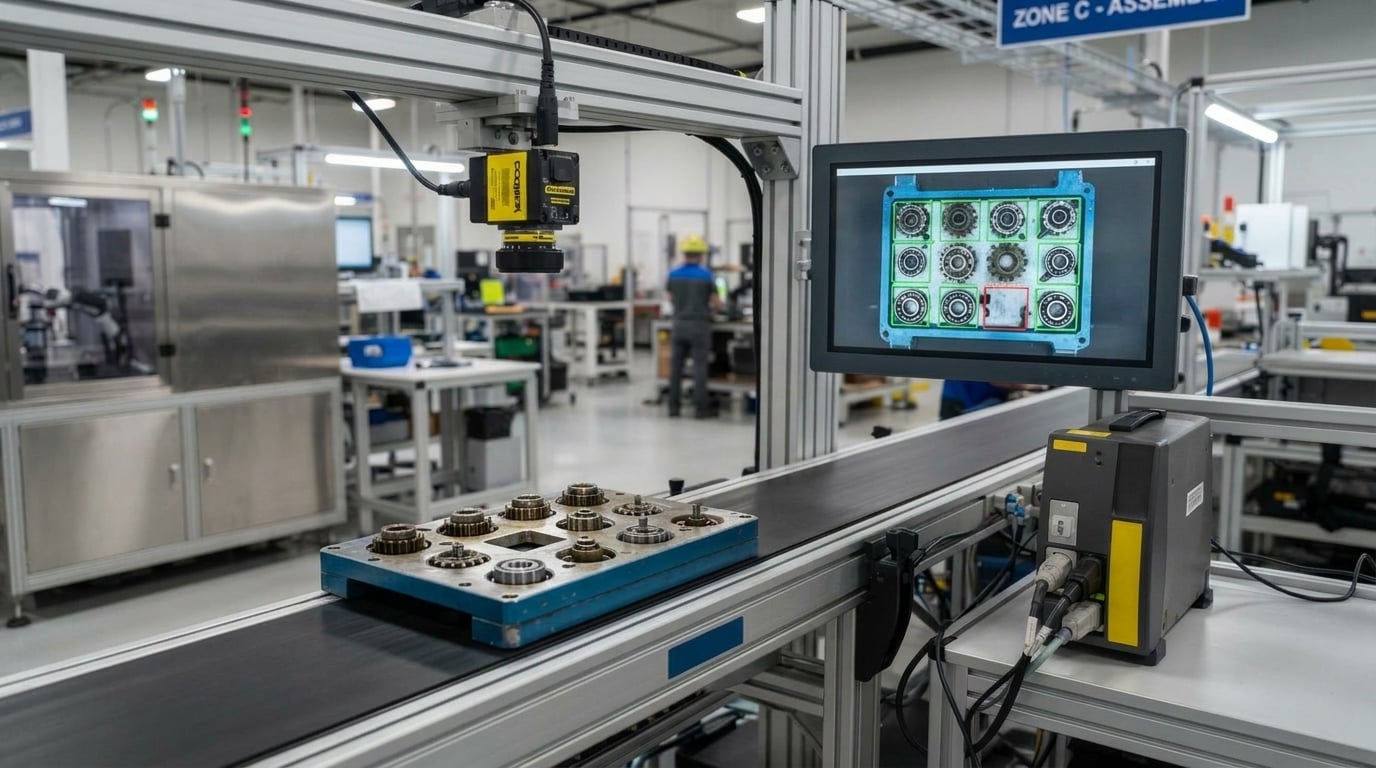
In a production-line inspection device, a camera captures a tray of parts. The system needs to identify missing components, display the result, and send a command to a PLC or robot controller. It is easy to focus only on neural-network inference speed when choosing hardware. But inference is one stage in a longer pipeline. Getting images into memory, preprocessing them, handling model outputs, and communicating with peripherals can each become a bottleneck.
Many embedded vision systems-on-chip (SoCs) integrate a CPU, GPU, and NPU. Each resource suits different kinds of work, but the software stack and drivers determine how tasks are actually assigned. Before selecting a board, test the complete vision pipeline with the real model, intended camera resolution, and production timing requirements.
Hardware resource |
Typical embedded vision tasks |
What to validate |
CPU |
Application state machines, device communication, postprocessing such as NMS |
Utilization and response-time variation under full load |
GPU |
Display rendering and supported parallel image processing or inference |
Drivers, compute APIs such as OpenCL/Vulkan, and memory-transfer costs |
NPU |
Compatible neural-network inference |
Model conversion, operator coverage, accuracy, and measured runtime |
These roles can overlap. A lightweight classification model may run adequately on the CPU without an NPU conversion workflow. A supported GPU backend may be an alternative when a model cannot be deployed to the NPU. Allocation involves balancing performance, development effort, and software maturity.
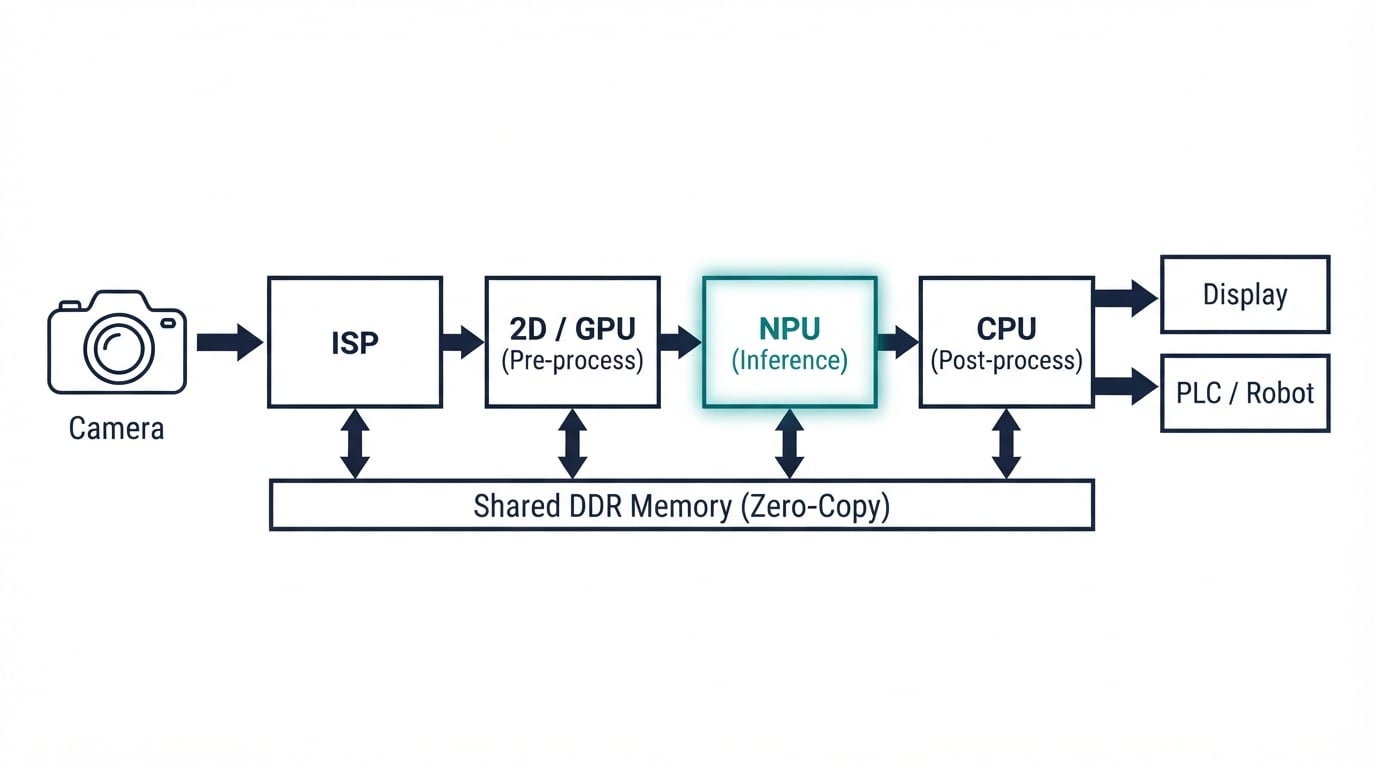
Evaluate the complete path from sensor capture to the final command, rather than relying on the peak specification of one hardware unit.
Capture and ISP processing. A sensor sending RAW data commonly relies on an image signal processor (ISP) for operations such as demosaicing, white balance, and noise reduction before conventional display or model preprocessing. The required processing depends on the sensor format and application. Even when integrated into the same SoC as the CPU, GPU, and NPU, the ISP is a distinct hardware function with its own throughput limits.
Input preprocessing. Models usually require a defined input size and tensor format. Preparation can involve resizing, cropping, color conversion, normalization, and rearranging channels. Dedicated 2D image hardware or a supported GPU path can reduce CPU work. Buffer sharing may also reduce copying overhead. CPU-based processing and repeated copies can otherwise become significant costs.
Model inference. The runtime passes the prepared tensors to the NPU, CPU, or GPU to execute the model's forward computation.
Postprocessing and output. Software interprets confidence scores and coordinates, potentially performs non-maximum suppression (NMS), applies acceptance rules, updates the display, and sends a message to the controller. The CPU often handles much of this work. If recording is required, the platform may use dedicated video encoding hardware, sometimes called a video processing unit (VPU).
The NPU's advertised compute capability primarily describes the inference resource. It does not establish the performance of the stages before or after it.
Consider a simplified sequential timing example. Image preparation takes 6 ms, NPU inference takes 4 ms, CPU postprocessing and decision logic take 8 ms, and communication and display handoff take 3 ms. The total is already 21 ms, before camera exposure, transfer, or queueing. Even if an upgrade halves inference from 4 ms to 2 ms, the sequence improves by only 2 ms, or less than 10%. A doubled peak compute rating alone does not guarantee that inference time will halve.
Distinguish throughput, measured in frames per second, from the end-to-end latency of an individual frame.
TOPS means trillions of operations per second and expresses a compute rating under specified conditions. It cannot directly predict how many camera streams a board can analyze or how long a particular model will take. Check numerical precision, such as INT8 or FP16, operation-counting conventions, and whether the figure assumes sparsity.
Actual inference performance depends on model structure, input resolution, DDR memory bandwidth, and supported operators. A lightweight classification network and a segmentation network with substantial upsampling and skip connections can achieve very different utilization on the same NPU.
Before committing to an NPU board, convert and test the actual model using the intended toolchain. For Rockchip deployment, see the [Rockchip RKNN-Toolkit2 project documentation]. Check the following points.
Many deployment workflows quantize FP32 or FP16 models to INT8 to use efficient accelerator paths. Lower numerical precision can change model accuracy under real conditions. Successful conversion to a quantized format is therefore only the start of validation.
Use representative calibration data and evaluate accuracy under the relevant operating conditions, including difficult cases. Include low light, reflective metal, small targets near the image edges, and acceptable production variation. Measure task-specific missed detections and false rejects. If accuracy is insufficient, review calibration coverage and ensure preprocessing is consistent between conversion and deployment, including channel order, normalization, and resizing. Where the toolkit and hardware support it, evaluate whether sensitive operations need higher or mixed precision.
A 1920 × 1080 RGB image with eight bits per channel contains approximately 6.22 MB of pixel data. At 30 fps, writing those images into memory once represents about 187 MB/s. This is a calculated baseline for one stream and one write. Multiple cameras, CPU copies, resizing, tensor transfers, and display buffers add traffic and memory demand.
Ask the board supplier how buffers are exchanged between the camera driver, image-processing hardware, and inference runtime. Check whether a supported buffer-sharing mechanism, such as DMA-BUF, can avoid copies. Shared buffers still require the platform's synchronization and cache-coherency rules to be followed. Incorrect handling can produce stale or corrupted data and processing errors.
Check cooling under sustained load. A bare board working for five minutes on an air-conditioned bench does not establish performance in an enclosed device. Test inside the intended enclosure with display, storage, networking, and all cameras active. After thermal warm-up, record inference timing, SoC temperature, and system power. Thermal throttling is one possible cause of frame-rate reductions during extended operation.
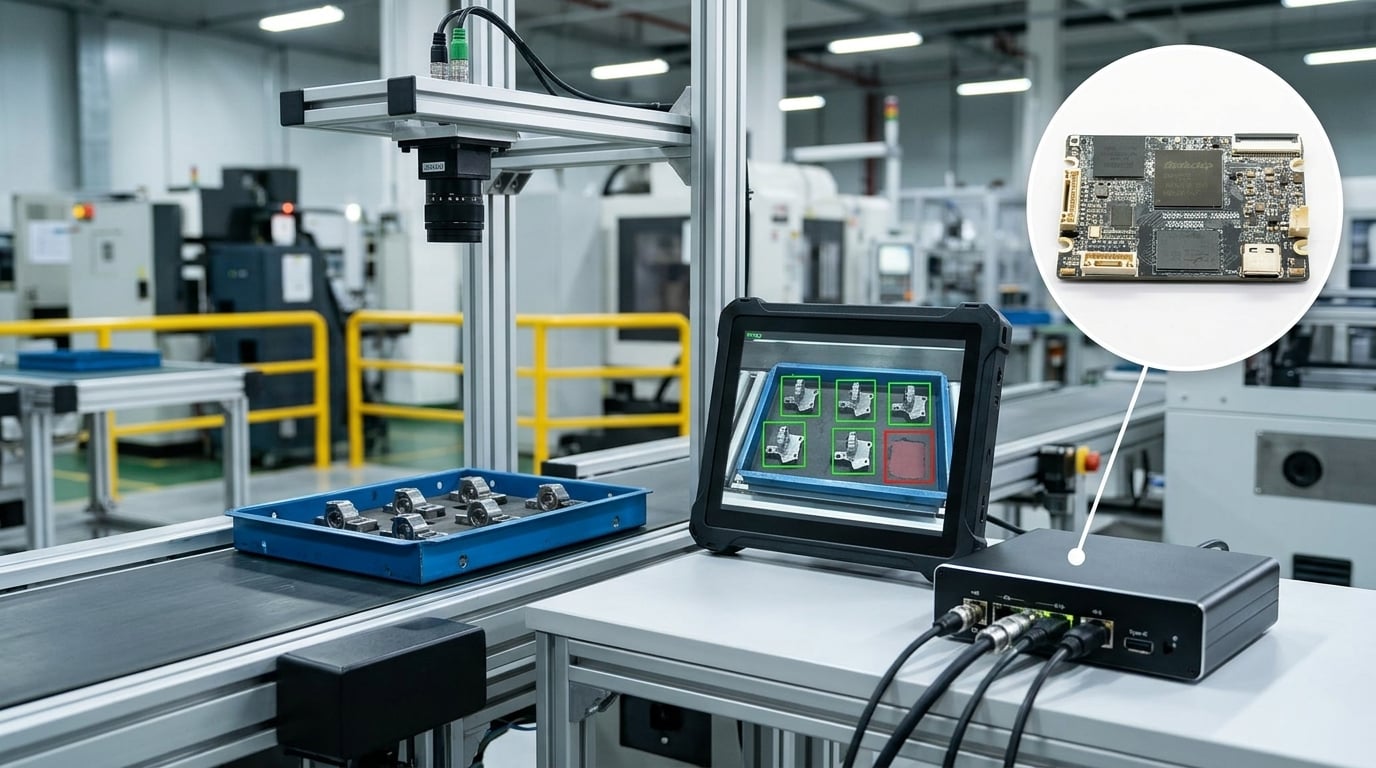
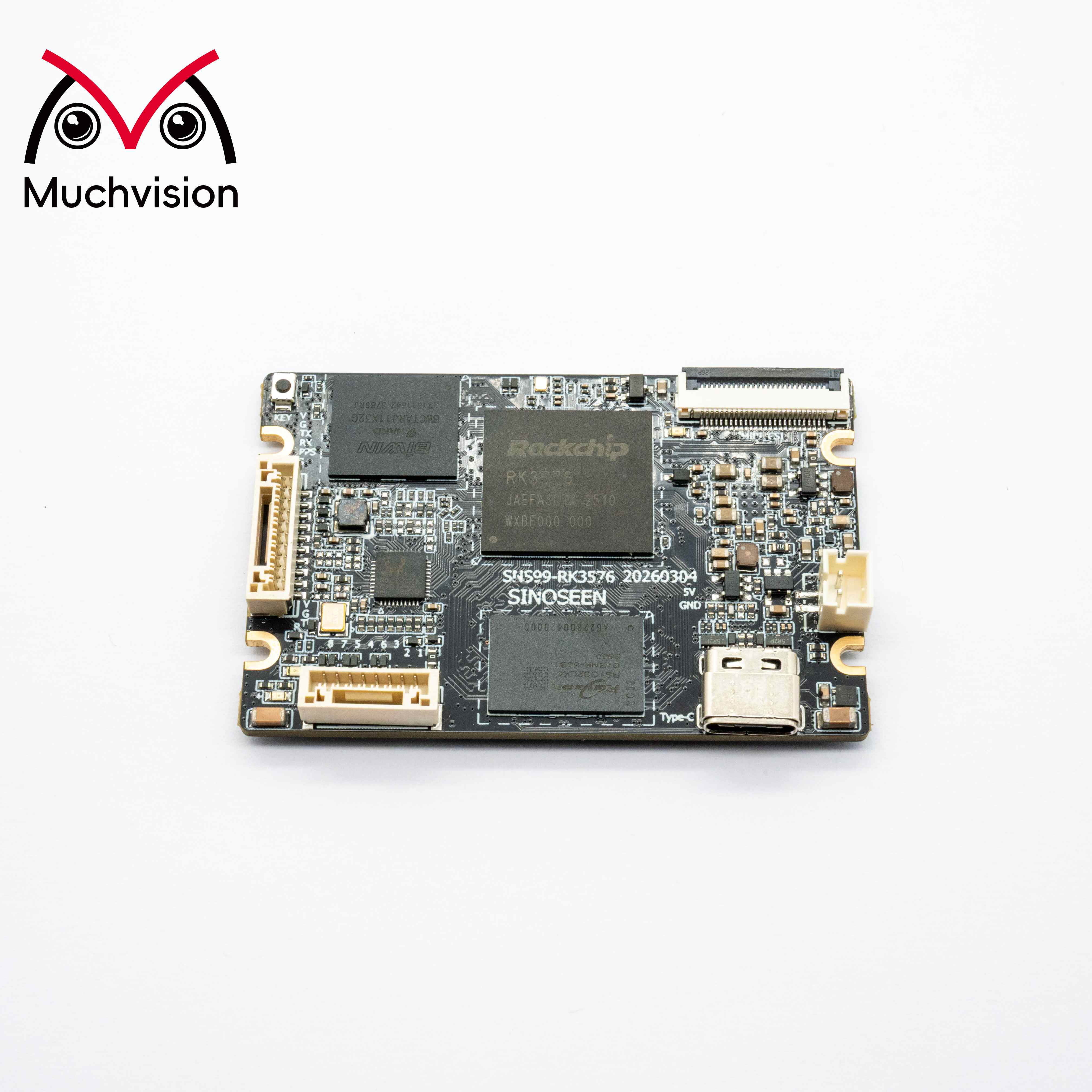
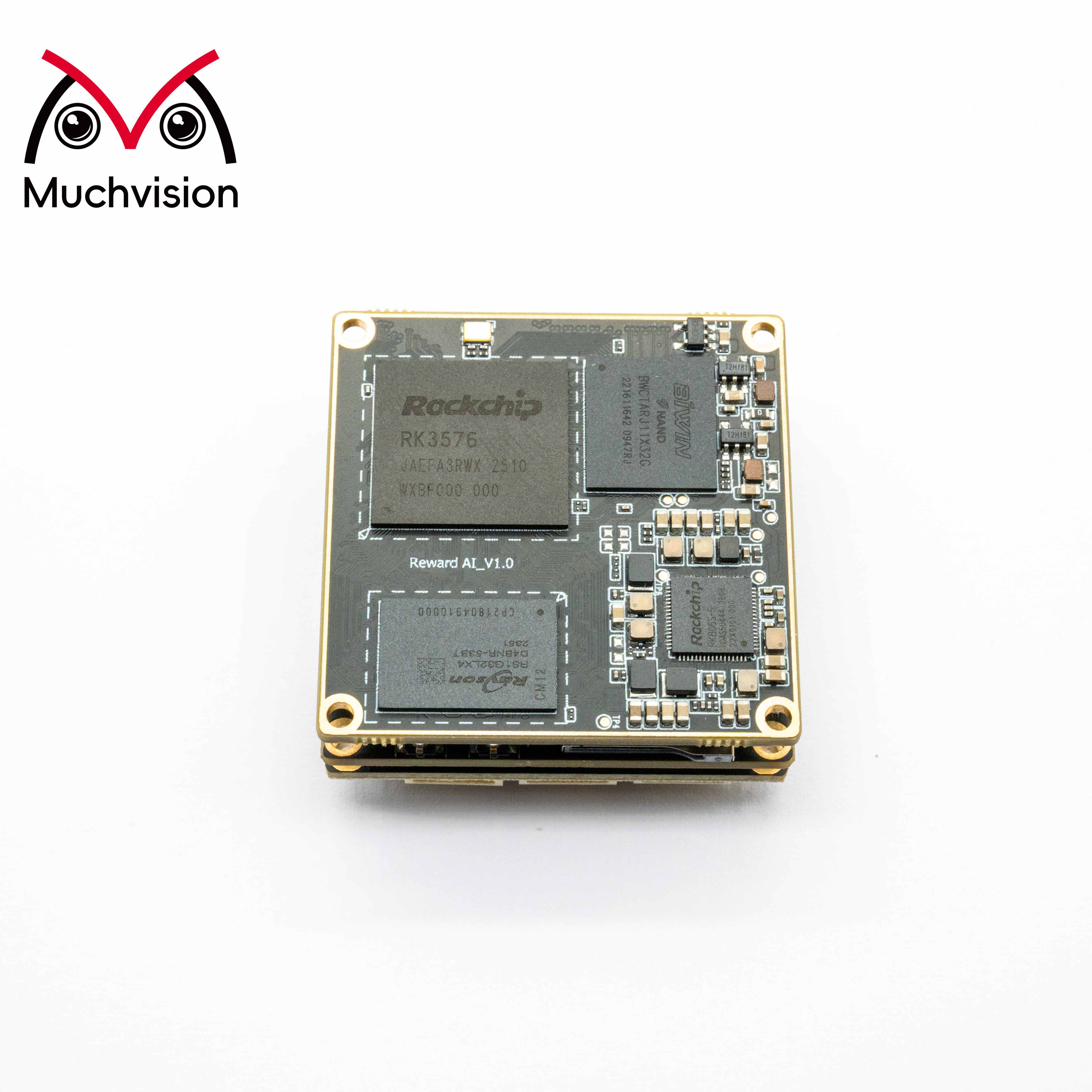
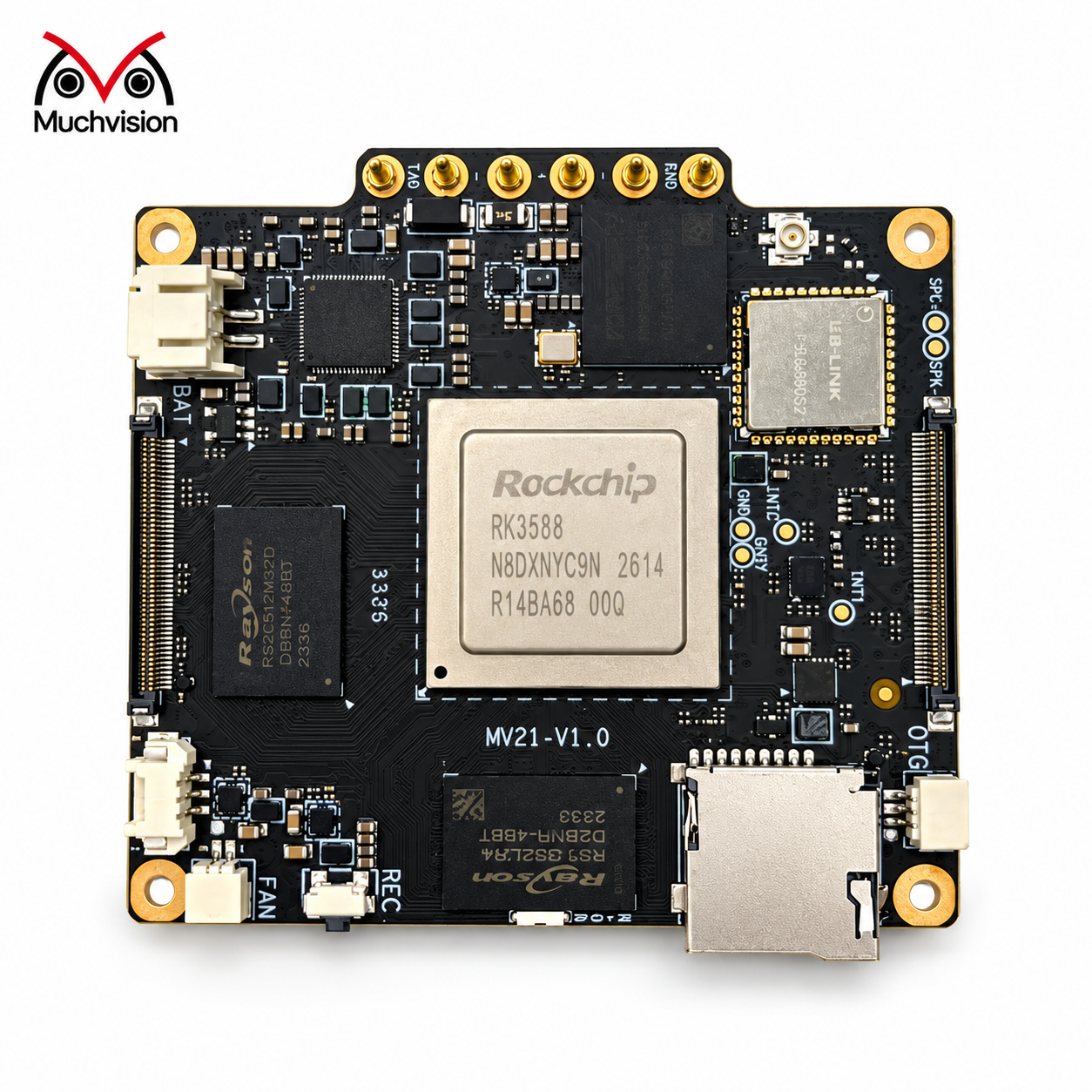
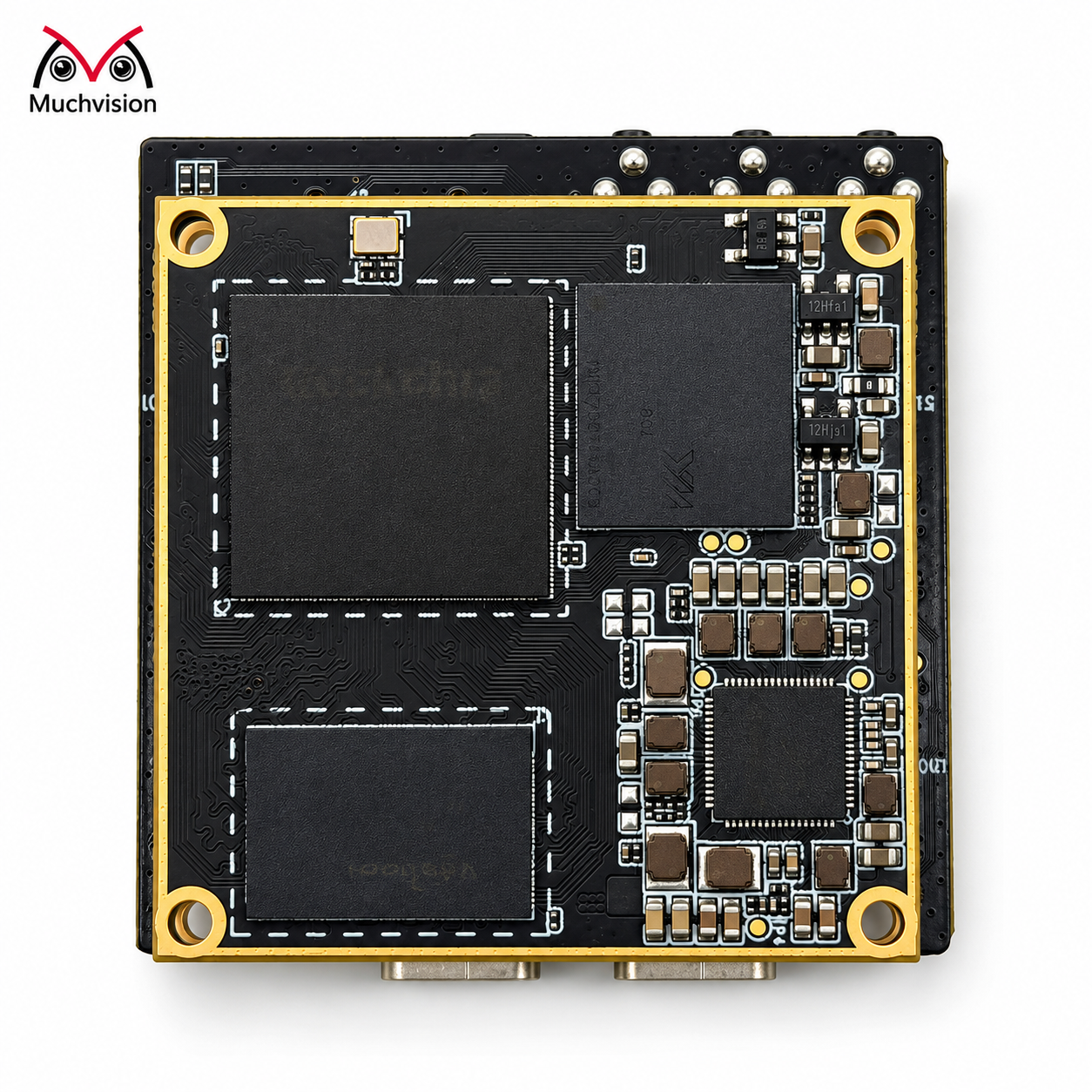
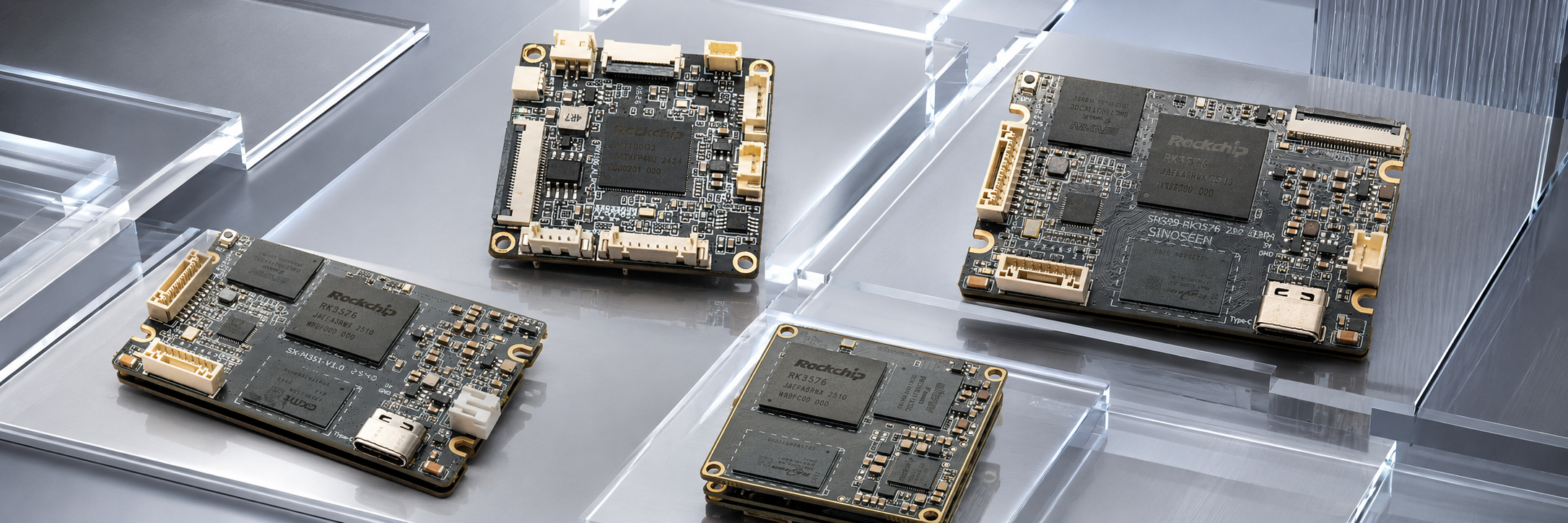
For projects evaluating task allocation across different processing resources, consider MuchVision's MV10-V1.0 Embedded AI Vision Board. It is built around the Rockchip RK3576, with a listed eight-core CPU, Mali-G52 MC3 GPU, and 6 TOPS NPU. It is a candidate for evaluating system control, graphics, and inference on one SoC, with actual application performance established by testing.
The product page describes Linux development support and camera integration options. Processor specifications alone do not establish the final application's frame rate. Before requesting a sample, confirm the delivered SDK version, memory capacity and configuration, and availability of the target sensor driver and model-conversion toolchain.
Use the following approach to make the evaluation relevant to the product.
Provide the real workload. Supply the actual camera count, triggered or continuous capture modes, original model file, representative scenes, and response deadline. Measure from image acquisition to the application's final decision. Keep the firmware and runtime versions with the results.
Measure each stage and change one variable at a time. Record capture, preprocessing, inference, and postprocessing timing. If inference is quick but CPU usage is high during postprocessing, investigate output handling. If a second camera introduces delays, check shared-memory contention and thread scheduling. Changing one variable at a time helps identify the cause of any improvement.
Yes. A supported CPU runtime can execute models, and it may be sufficient for modest workloads. Test it alongside the rest of the application to confirm latency, power, and available CPU capacity.
The CPU still manages the system and application. An NPU accelerates supported network operations. Camera control, communication, and result handling still need appropriate processing resources.
GPU software depends on the architecture, drivers, and available compute backend. Confirm support for the specific embedded platform and framework before assuming a desktop deployment can be transferred.
It depends on the model, input size, stream count, accuracy requirement, and pipeline overhead. Convert and benchmark the model on the target board, then test the complete application under sustained load.
That depends on the task. A periodic occupancy estimate may use selected frames. Triggered inspection may need a result for every part. Define capture and queueing policies alongside the response deadline.
Specify camera inputs, the model, accuracy targets, and output timing. Share these requirements with MuchVision to discuss a board and camera configuration that can be validated together.
Contact MuchVision about an embedded vision project.
 Hot News
2026-11-26
2026-11-25
2026-11-18
2026-11-11
2026-11-06
2026-11-04

 EN