 ×
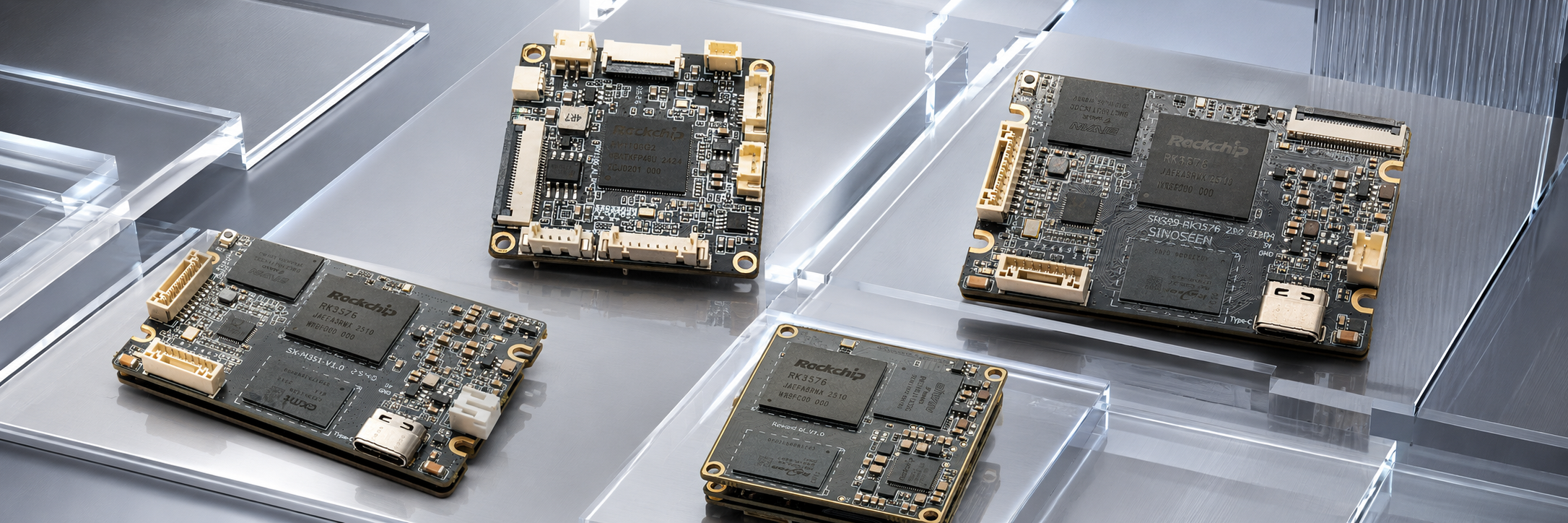
From security cameras and smart home devices to automotive imaging, industrial inspection, medical endoscopy, and robot vision, camera systems share a deceptively simple requirement. The colors they capture should match what people see.
Everyday lighting makes that difficult. In an office, daylight from a window mixes with fluorescent lighting. In a shopping mall, cool ceiling lights overlap with warm display lighting. In a parking garage, white LEDs and yellow sodium lamps illuminate the same scene. These ordinary environments are among the hardest for cameras to reproduce accurately. Mixed lighting is common in real installations, where a single uniform light source is relatively rare.
This article explains why cameras produce color casts under mixed lighting, how engineers tune and test for these conditions, and how they keep color performance consistent in production. In applications that use color to make decisions, accurate reproduction is a functional requirement.
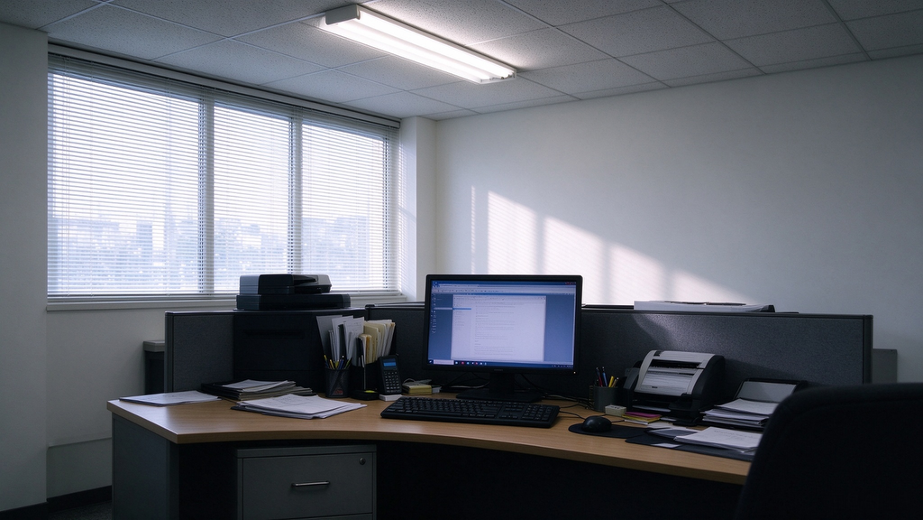
Perceived color depends on the interaction between the light source, the way an object reflects light, and the observer, whether that observer is a person or a camera.
When light strikes an object, the surface reflects some wavelengths more strongly than others. The reflected light enters the camera lens, and the color filter array (CFA) on the image sensor samples it in red, green, and blue channels. The image signal processor (ISP) then applies operations such as demosaicing, white balance, color correction, and gamma encoding to produce the image you see on a screen.
These processing steps rely on assumptions about the illumination. Mixed lighting challenges those assumptions in three ways.
1. Different color temperatures. Human vision adapts to illumination and tends to perceive white objects as white across a range of lighting conditions. A camera estimates a white point algorithmically. When warm 2700 K LEDs and cool 6500 K daylight illuminate different parts of the same scene, one global white balance setting can neutralize one area while leaving a color cast in another.
2. Different spectral power distributions. Incandescent lamps produce a continuous spectrum. Fluorescent lamps and LEDs can have narrow peaks and gaps in the visible spectrum. Two sources can have the same correlated color temperature while illuminating an object with different combinations of wavelengths. As the mix of light changes across the scene, so does the spectrum reflected by that object.
3. Flicker and frame-to-frame variation. Mains-driven lighting can flicker, and a mismatch between exposure timing and the light’s modulation can cause visible bands. Aging lamps and pulse-width modulation (PWM) dimmers can also cause brightness or color to vary across frames.
The result may be a greenish or reddish cast on skin, tinted white walls, inaccurate product colors, or visible color differences in paper and fabric. These errors matter when color is used for medical assessment, industrial sorting, quality inspection, or exhibit photography.
Four parts of the camera pipeline shape how it reproduces color under mixed lighting.
1. Auto white balance (AWB). AWB estimates the scene illuminant and adjusts the red and blue channel gains to render neutral surfaces without a color cast. A single set of gains has limited ability to correct regions lit by different sources.
2. Color correction matrix (CCM). After white balance, a camera still needs to correct how it renders individual colors. The spectral response of a Bayer sensor differs from that of human vision. A 3 × 3 matrix maps the sensor’s RGB response toward a target color space. Camera systems often calibrate separate matrices for different illuminants.
3. Gamma and tone mapping. Gamma encoding maps linear image data to a nonlinear signal. Together with tone mapping, it affects how midtones are rendered and how saturated colors appear.
4. Color spaces and lookup tables. The camera maps color into an output space such as sRGB or Display P3. Where finer nonlinear correction is needed, a three-dimensional lookup table (3D LUT) can adjust colors beyond what a matrix can achieve.
A pipeline tuned with one set of global parameters applies the same correction across the frame. If a window lights one side of a room and warm LEDs light the other, the two regions can require different corrections.
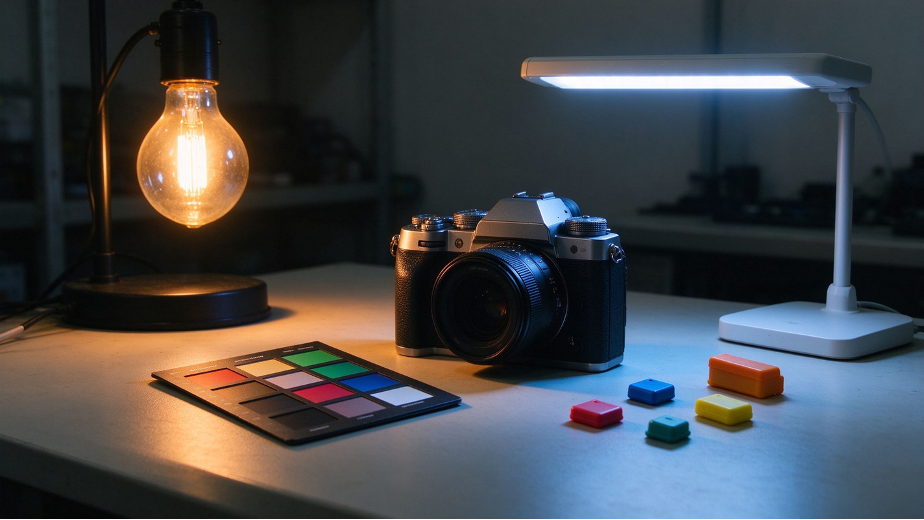
Image sensor and CFA. Evaluate the sensor’s RGB spectral response under representative lighting during component selection. Check whether particular sources cause one channel to saturate or leave another with too little signal for reliable correction.
Optical filters and infrared rejection. Infrared light outside the visible spectrum can contribute to the RGB signal and alter the colors a camera records. A properly selected infrared cut filter can help reduce unwanted red casts, particularly in scenes with a substantial infrared component.
Flicker control and wide dynamic range. Coordinate exposure timing with the modulation of the light sources where possible. Evaluate HDR or wide dynamic range (WDR) settings for scenes with both bright and dark regions. Managing banding and exposure variation gives the color pipeline a more stable image to work with.
Regional or multi-illuminant white balance. Group areas with similar illumination characteristics, estimate the illuminant in each region, and apply local gains. Smooth the transitions between regions so the correction does not create visible boundaries.
Interpolate between color correction matrices. Calibrate CCMs at several reference color temperatures. When the estimated color temperature falls between two calibration points, interpolate between the corresponding matrices to avoid abrupt changes in color rendering.
Refine the result with a 3D LUT. Use a 3D LUT to correct residual nonlinear color errors after the initial correction. This can help in applications where skin tones or product colors need especially close control.
Improve illuminant estimation. Grayscale statistics and learned illuminant estimation models can help estimate the relative contribution of different sources and provide better inputs for the correction algorithm.
Reproduce mixed lighting in the lab. Use a light booth or a controlled test area with independently adjustable sources. Recreate combinations such as daylight and fluorescent light or cool and warm LEDs. Use standard illuminants such as D65 and D50 as references.
Measure color and check neutral tones. Capture a standard 24-patch color target, such as an X-Rite ColorChecker, and a grayscale target under each lighting combination. Calculate color differences using a metric such as CIEDE2000 (ΔE₀₀). Refine the CCMs and LUTs until the measurements fall within the project’s acceptance limits.
Check consistency across production batches. Incorporate the approved calibration parameters into the production process. Use automated sampling to check color difference, white balance deviation, and response consistency across batches. These checks help establish whether production modules reproduce the performance of the approved sample.
Color accuracy under mixed lighting depends on decisions made across sensor selection, module design, driver development, ISP tuning, system integration, and production calibration. A color issue visible in the final image can originate anywhere along that chain.
We design and manufacture camera modules and mainboards. Based on the application, we can evaluate sensor options, select lenses and optical filters, and design the module around the device’s mechanical requirements.
Our driver development work covers sensor driver porting, register-level debugging, and stability testing across the project’s lighting, temperature, and frame rate requirements. We also tune the ISP for the intended application, including auto white balance, color correction matrices, 3D LUTs, noise reduction, and HDR or WDR. The customer’s image acceptance criteria guide that work.
The same team can carry the project from requirements and component selection through prototyping, image tuning, production, and consistency checks. If you have a target lighting environment or a color issue in an existing system, share your requirements or sample images with us at [email protected].
 Hot News
2026-11-06
2026-10-29
2026-10-24
2026-10-23
2026-10-20
2026-10-19

 EN