 ×
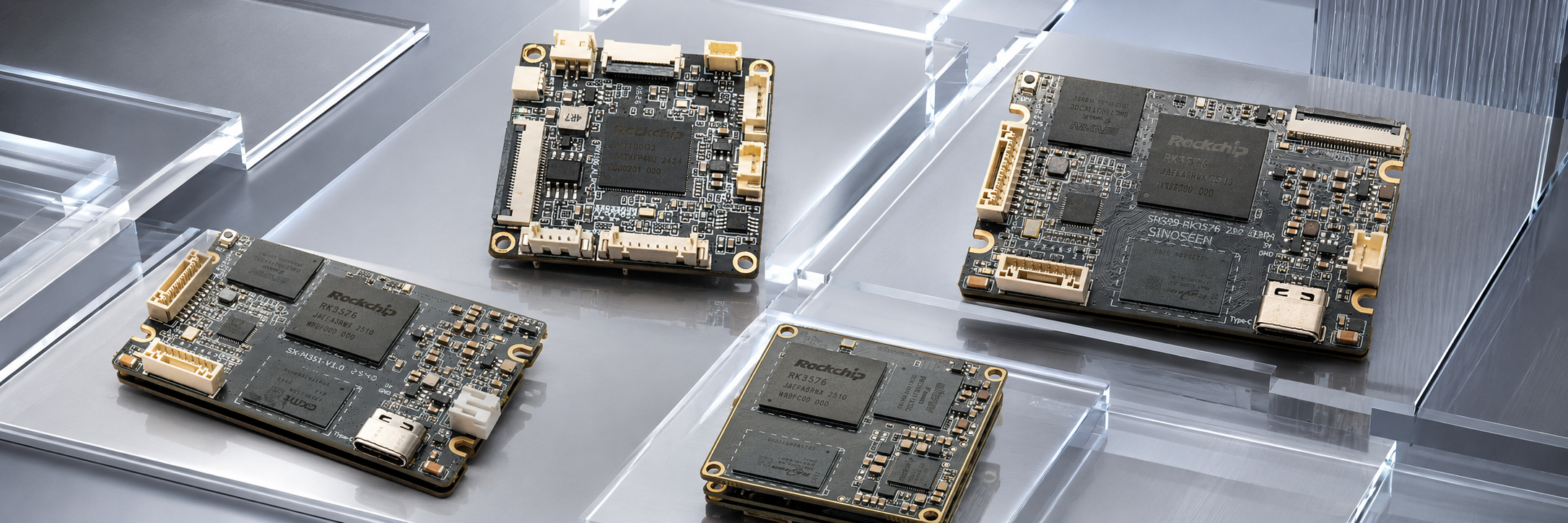
The software ecosystem for rockchip rk3588 development is a connected stack, not a single application. It spans board support packages, operating systems, drivers, development tools, and deployment frameworks. Understanding how these layers fit together helps teams turn the processor’s specs into a maintainable product, especially when a design combines vision, edge AI, and several peripherals.
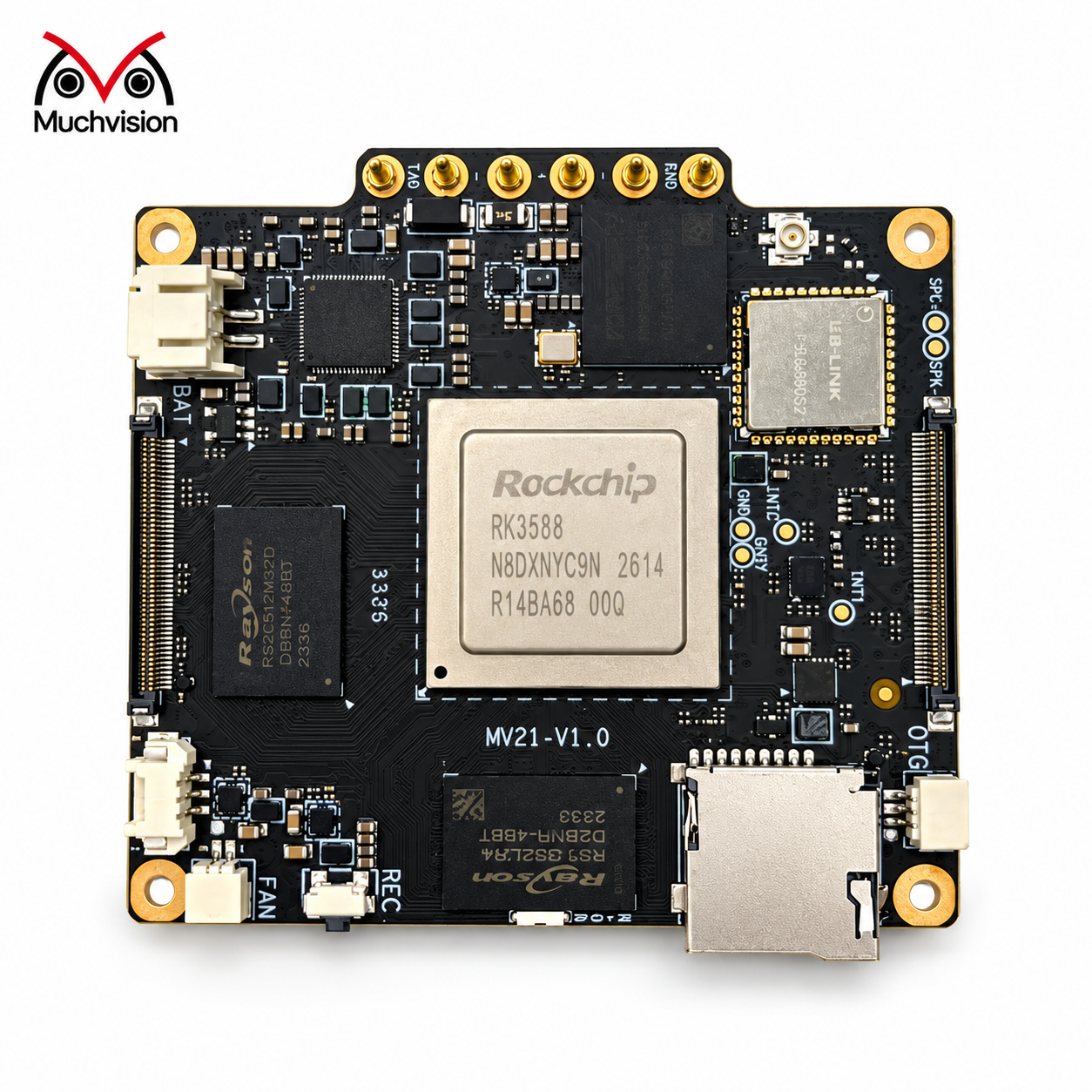
The right setup depends on what the device must do and how it will be maintained after launch. A useful comparison starts with Linux and Android support, then checks camera and AI workflows, build access, and update plans. For projects being scoped in 2026, teams should verify that each software layer matches the actual board revision and required specs, rather than assume every example transfers unchanged.
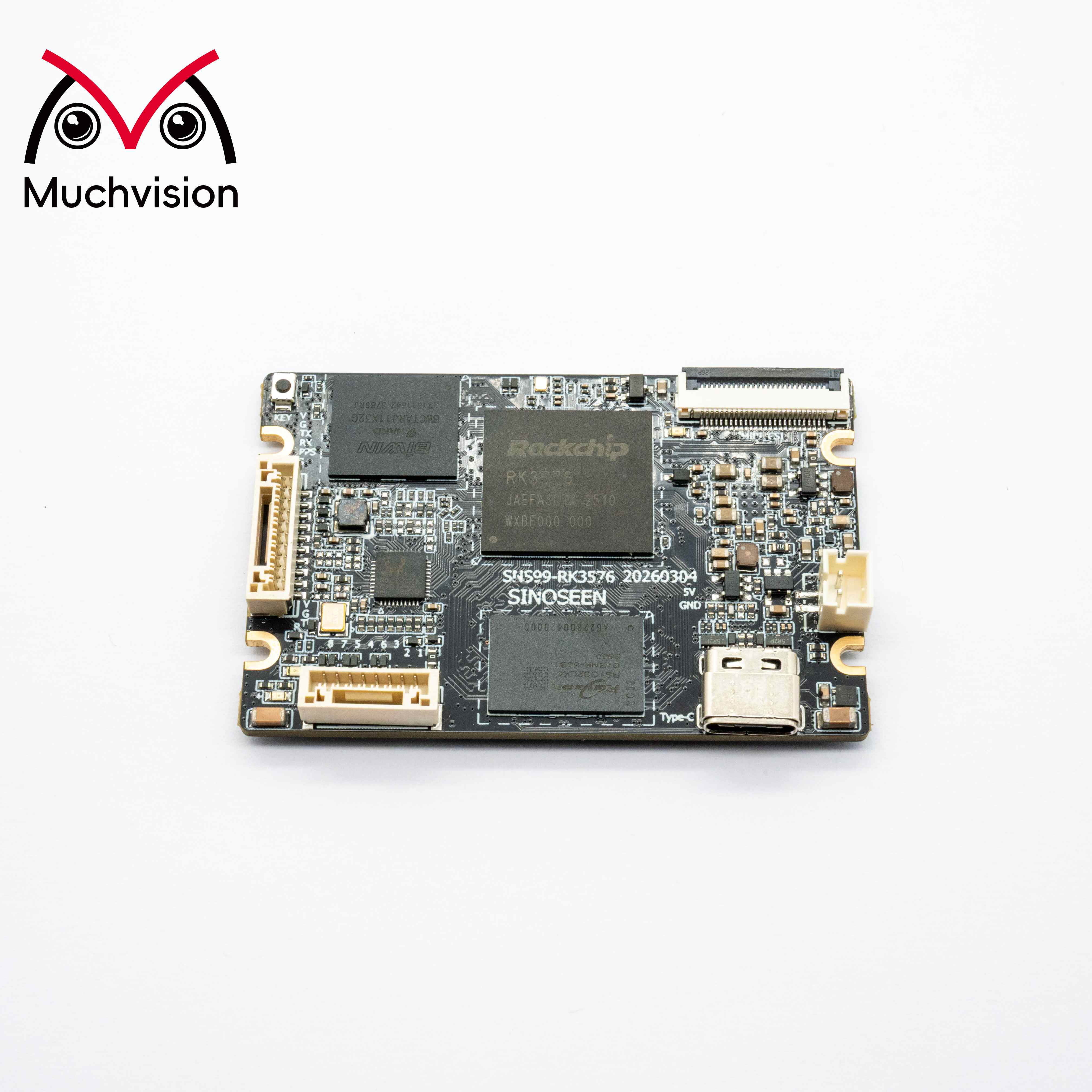
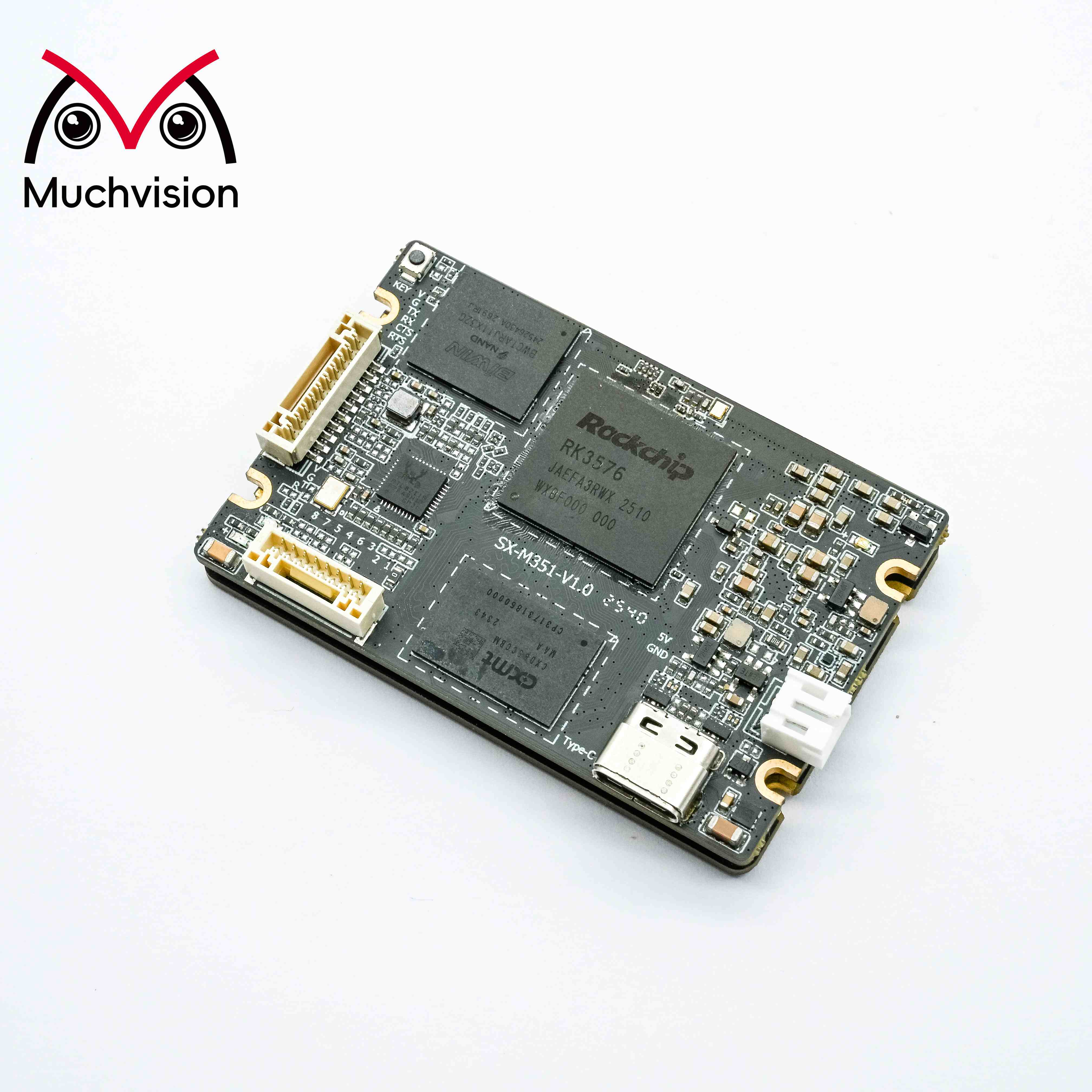
Development usually begins with a board support package, or BSP, that connects the operating system to the board’s processor, memory, storage, and peripherals. For rockchip rk3588 projects, the BSP commonly provides a Linux kernel, device tree files, boot components, and configuration for supported interfaces. Review the included specs against the board schematic and required functions before adopting a release. In 2026, that verification remains important because board revisions can differ in connectors, sensors, and enabled drivers.
Linux is a practical choice for embedded products that need system-level control, networking, and integration with open development tools. Android may suit products designed around touch interfaces, application frameworks, or an established Android workflow. The comparison is not simply about operating systems: check BSP maintenance, kernel configuration, sample applications, and the process for rebuilding images. Confirm that the chosen package documents its specs and exposes the interfaces your application needs.
A reliable workflow separates host development from target testing. Engineers typically build on a workstation, flash an image to the board, then inspect boot messages and application behavior over a debug connection. Version control for source code, device trees, build configuration, and deployment scripts makes changes traceable. For rockchip rk3588 teams, the comparison between a vendor-provided build environment and a more customized toolchain should include reproducibility, access to source, and the effort needed to maintain updates.
Before implementation, record the required specs for storage, network access, display, and attached devices, then test each interface on the actual board. A development kit can accelerate evaluation, but it does not replace validation on the intended hardware. In 2026 planning, also establish how security fixes and application updates will reach deployed units. These decisions shape build scripts and image design early, when changes are easier to manage.
AI development adds a model pipeline to the ordinary embedded workflow. Teams prepare or obtain a model, convert it into a format supported by the target runtime, and verify output against a reference implementation. On a rockchip rk3588 system, confirm which accelerator and runtime paths are available in the supplied software release. The specs alone do not establish that a model will run efficiently; operator coverage, input dimensions, precision, and preprocessing all matter.
A useful comparison evaluates the whole inference path rather than a headline processor feature. Measure how image capture, resizing, inference, and result handling interact under realistic workloads. Check whether sample code explains model conversion and provides a way to troubleshoot unsupported operations. AI features are easier to maintain when model versions, runtime versions, and application code are recorded together. In 2026, teams should validate the complete workflow against their target models instead of relying on generic demonstrations.
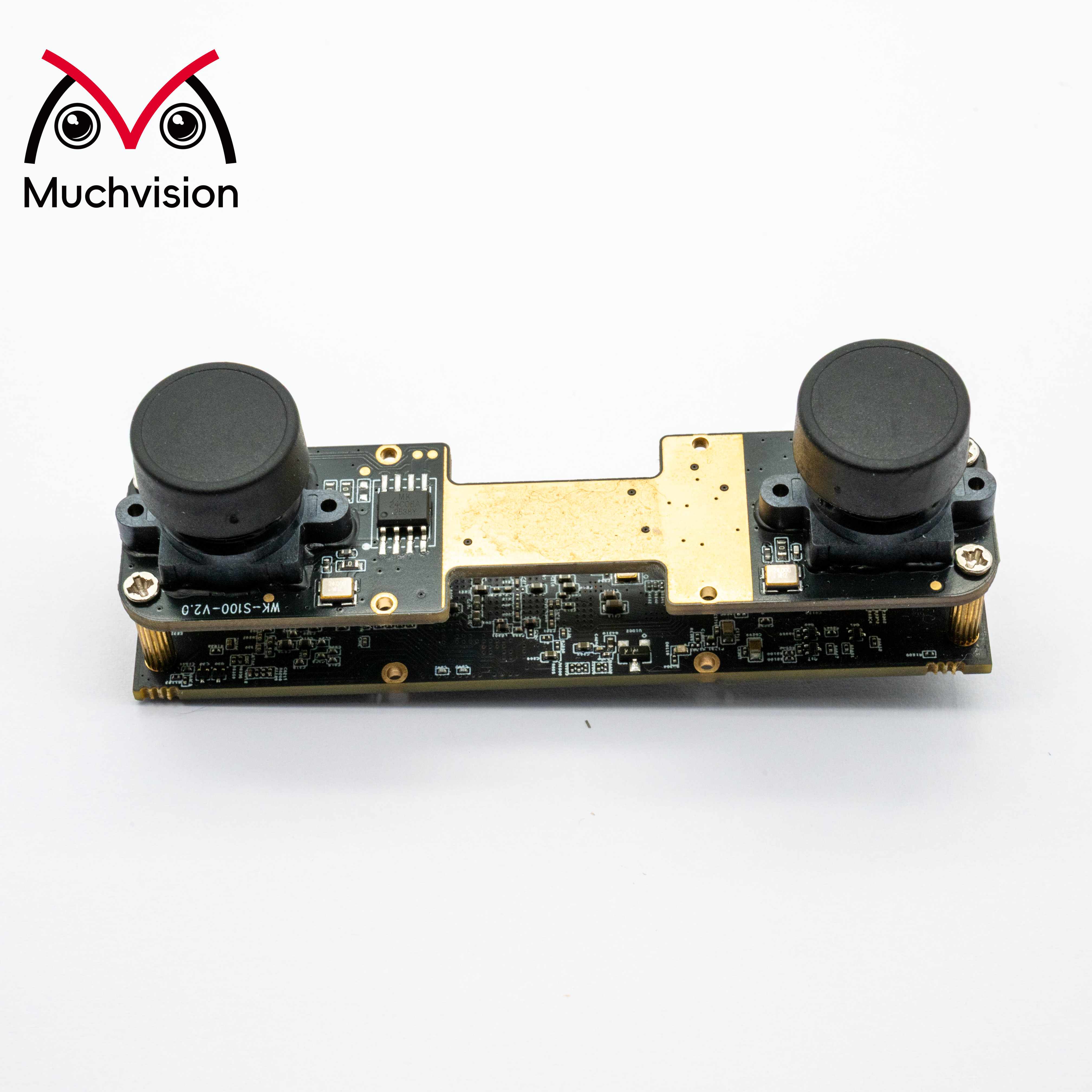
Camera projects need particular attention to sensor drivers, interface configuration, image formats, and synchronization. A board with several camera inputs may require a software path that supports the intended sensors and coordinates capture with downstream processing. Match sensor and interface specs to the BSP documentation, then test startup, sustained capture, and recovery from interruptions. For a six-camera design, the comparison should include whether software examples cover multiple streams, not just a single camera.
When cameras feed AI, examine how buffers move from capture to processing and whether the pipeline can handle the required resolution and timing. Avoid assuming that a sensor driver, media framework, and inference example will work together without integration. The software ecosystem should make it possible to inspect frames, isolate dropped data, and adjust configuration. This practical testing gives the rockchip rk3588 team evidence about camera support beyond a written list of specs.
Start selection with the application’s must-have interfaces, operating system, camera workload, and deployment environment. Then compare candidate software packages for source availability, documentation, sample coverage, and the clarity of their update path. A comparison is meaningful only when each option is assessed against the same use case. Record the relevant specs and known limitations, including features that require custom drivers or additional integration work.
For rockchip rk3588 products, separate evaluation criteria into bring-up, application development, and long-term operation. Bring-up asks whether the board boots and exposes required peripherals. Application development asks whether the libraries and examples support the intended functions. Long-term operation asks how to rebuild, secure, and update the image. In 2026, this lifecycle view helps teams avoid selecting a stack solely because an early demo works.
Build a small proof of concept around the hardest requirement, such as simultaneous camera capture, an AI model, or a specialized peripheral. Keep a record of software versions, configuration changes, test conditions, and observed results. That record makes comparison between releases more useful and helps reproduce defects. Validate the specs that affect the use case on the physical board, including data paths and resource limits, rather than relying only on documentation.
A strong development ecosystem supports repeatable builds, clear debugging, and a realistic route from prototype to field updates. It does not remove the need for engineering validation, but it makes that work more systematic. For 2026 roadmaps, revisit BSP support and dependency status before freezing the product design. Teams that test their complete software path early can make informed trade-offs about AI, cameras, and operating system choice without confusing a successful demo with production readiness.
Begin with the operating system that best matches the product interface and team workflow, then verify BSP quality and peripheral support. Compare Linux and Android using the required specs, maintenance expectations, and application needs. For 2026 deployments, include image updates and security maintenance in that decision.
No. AI support depends on the available runtime, model operators, conversion process, and application pipeline. Test the intended model on the target board and compare its outputs with a reference. Confirm that the relevant specs and software versions are documented for repeatable deployment.
Test the intended sensors and number of streams with the actual BSP, then verify capture stability and integration with downstream processing. A useful comparison includes multi-camera examples where relevant, documented configuration, and diagnostic tools. This gives the rockchip rk3588 team practical evidence for its design decision.
 Hot News
2026-11-25
2026-11-18
2026-11-11
2026-11-06
2026-11-04
2026-11-01

 EN